Product UpdatesFeatured6 min read
Introducing Slack & Discord Integration: Get Instant Notifications When Customers Need Human Support
ChatIn now integrates with Slack and Discord workspaces, giving you immediate notifications when customers need human intervention. Never miss a critical support request again.

ChatIn Team
Published on July 24, 2025
Product UpdatesSlack IntegrationDiscord IntegrationTeam Notifications
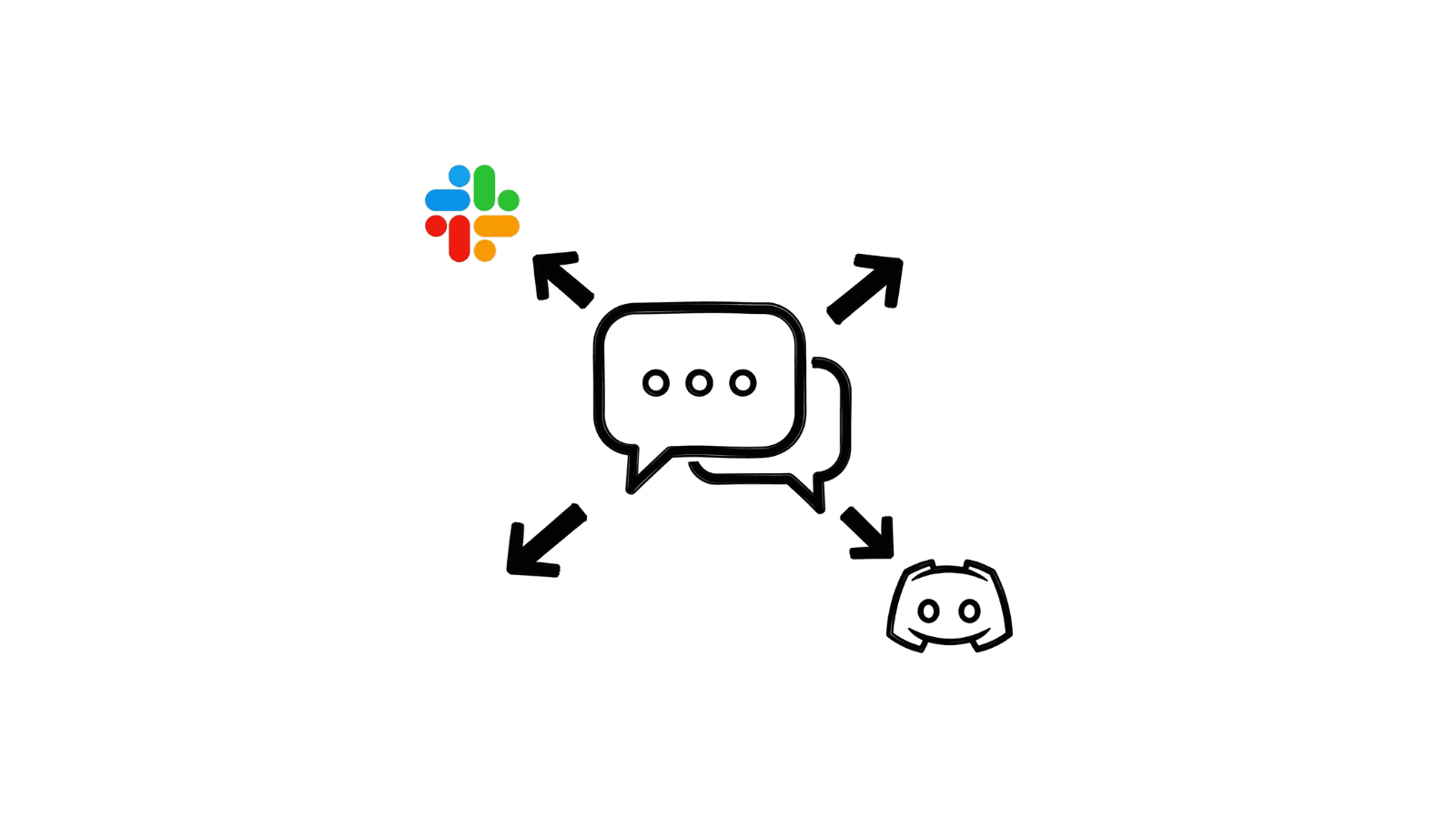
We just launched Slack and Discord integration for ChatIn. Now when customers explicitly need human support or when ChatIn can't resolve an issue, you'll get instant notifications in your team's workspace instead of just email.
What is Slack & Discord Integration?
This new feature connects your ChatIn AI agent directly to your Slack workspace or Discord server. When a customer conversation requires human intervention, ChatIn posts a notification to your chosen channel with all the essential information your team needs to take over seamlessly.
How to Set Up the Integration
Step 1: Access the Escalation Settings
Go to Settings > Escalation tab in your ChatIn dashboard. You'll find connect buttons for both Slack and Discord.
Step 2: Connect Your Workspace
- Click the 'Connect Slack' or 'Connect Discord' button
- You'll be redirected to Slack/Discord to approve the authorization
- Choose the specific channel where ChatIn should send notifications
- The integration is now active and ready to use
The entire process is seamless and plug-and-play. No complex configuration required.
When You'll Receive Notifications
ChatIn will post to your chosen channel when:
- Customer explicitly requests human support
- ChatIn cannot resolve the issue after multiple attempts
- Low customer satisfaction detected in the conversation
What Information You'll Receive
Each notification includes:
- Customer name, email, and phone number
- Summary of the conversation and issue
- Reason for escalation
- Direct link to respond to the customer
Real-World Use Cases
Here are practical scenarios where Slack/Discord integration improves your support:
- Customer asks to speak with a manager or supervisor
- Complex technical issue requires human expertise
- Customer is frustrated and needs immediate attention
- High-value customer requires personalized service
- Issue involves sensitive information or special handling
- Customer requests refund or cancellation assistance
Benefits Over Email Notifications
Slack and Discord integration offers several advantages over traditional email notifications:
- Instant notifications instead of email delays
- Team collaboration in real-time
- Easy conversation threading and follow-up
- Mobile notifications for on-the-go support
- Integration with existing team workflows
- Better visibility across the entire team
Getting Started Tips
- Start with a dedicated #support or #customer-service channel
- Train your team on how to respond to notifications quickly
- Monitor response times and adjust escalation settings if needed
- Test the integration with a few customer conversations first
- Ensure your team has mobile access to respond quickly
What's Next?
This is just the beginning of our integration capabilities. We're already working on additional features like automated response templates, team assignment rules, and integration with other popular team communication platforms.
The Slack and Discord integration is available now for all ChatIn users. Log into your dashboard and set up your first integration to never miss a customer who needs human support.
Ready to improve your team's response time? Connect your Slack or Discord workspace today and ensure every customer gets the attention they deserve.